


Everything Age Up Coach does
A free coach for Age of Empires IV that works before the game, while you play and after the match.
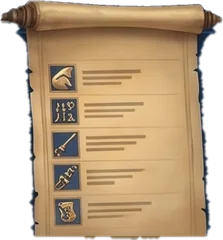

A build card that follows your villagers
The card sits on your screen, reads your villager count and the clock, ticks the steps you've done and shows the next ones in plain words.
- ◆ MacroMind builds for every civ, checked so you can pay for every step
- Import any build from aoe4guides.com, with the author's credit kept
- Copy & adjust any build in the build editor
- What to buy, and when it's bought, ticked on the card
- Build steps read out: off, a tick sound or a voice
- Age-up heads-up: “Age up in ~15 s”


The bell rings the moment you slip
Idle Town Center, idle villagers, house soon and resources piling up, caught within seconds instead of in the replay.
- TC idle, with a villager count where it goes quiet
- Villagers idle
- House soon and housed
- Too much banked, and You can age up
- Off, Sound or Voice, set per alert
- One-click setups: Learning, 1v1 Ranked, Team games, Streamer, Quiet
Know who you're facing
When the match starts you see your opponent's rank, civ and how they usually play, with a game plan to beat it.
- Rank, civ and usual openings from their recent games
- What they do, when they do it, and your answer
- From public AoE4World match history, the same stats anyone can look up

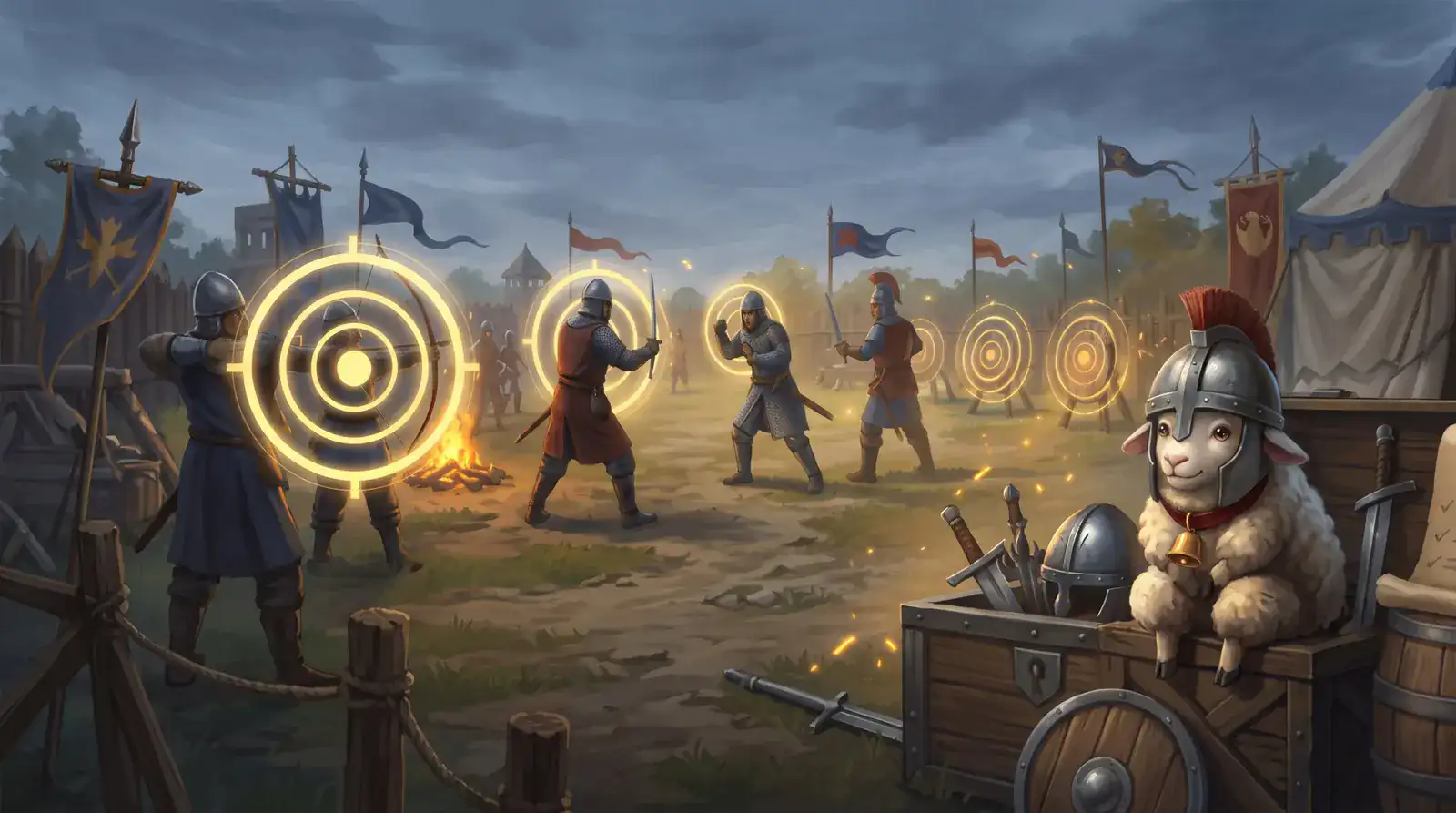
Drill the keys you press every game
Short drills with your own keys in a skirmish against the AI. A small box in the game shows the task and your time.
- Eight drills: build order, basics, eco speedrun, military, defence, shift-queue, production round, army split
- A short daily session picked for your goal, like idle villagers under 45 s
- Your last time and clean runs on every drill
- In your games, the coach can watch your TC, villager and control-group keys and give tips


A review for every match
When the match ends you get an economy score, your age-up times, a fight map and one goal for your next game.
- Economy score: 80+ Strong, 60–79 Decent, under 60 Leaky
- Fight map: every fight on the time line, and who won it
- Ghost duel: your villagers against your best earlier game of the same civ
- Match stats: villagers, army, age-ups and upgrades for both teams, with a rough win-chance line
- Your last 8 games as tiles, with a Macro grade on each
- Match cards to collect after every scored game
- Battle simulator: pick two armies and see who wins
Map replay: watch any game back on its map
Lost a game and not sure why? Play it back in a minute. Bases go up, armies move, and every fight is marked won or lost.
- Your whole game on one map, at any speed
- Jump straight to Feudal, Castle or Imperial
- Click a fight to see what each side lost
- “Why you lost” takes you to the moment the game turned


An AI coach in the corner of the app
Ask about counters, builds, your last game or where a setting lives. In beta, so check what matters.
- Helper chat on every page of the app
- AI review after every game, with one habit for next game
- A match plan at 0:00 in 1v1
- Ask out loud in a match with push-to-talk (voice add-on)
Free in your browser
No download needed: a battle simulator, a tier list from ranked win rates, a counters lookup for every unit and a hotkey trainer to warm up before you queue.
Battle simulator: test the fight before you take it
Set up two armies from any civ, add upgrades and press Simulate. You see who wins, what is left and what it cost.
- Real unit stats, with charges, siege and healers
- A win chance from 40 repeat battles
- Command Blue yourself, or let both sides fight
Also in the app: the same battle simulator has its own tab (beta), with the counter table and the counters next to it.
And the rest
 Today's challenge
One habit to work on, checked after your game, plus a daily counters quiz with a streak.
 Share to Discord
Post your finished matches to your own channel, with your match card.
 Auto clips
Cuts clips of the big moments, with vertical 9:16 copies for TikTok and Shorts. Off by default.
 Made for streamers
Show the overlay in OBS or keep it out of your stream, with one switch.
 Light on your PC
Help & health shows the app's CPU and memory live. It's normally very low.
 Map add-on
An optional separate download with map tools, in beta.